




Stay Safe, Stay Smart, Stop Fraud.
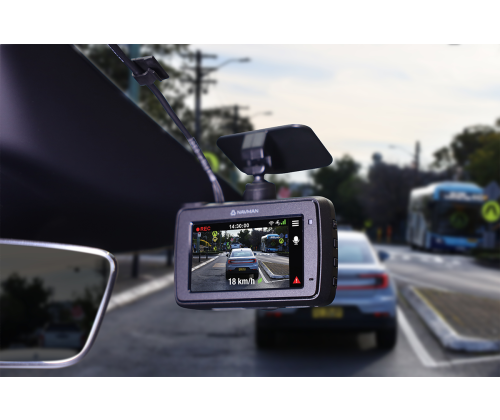
Turn every drive into a safer, smarter journey with the MiVue™280 Safety Dash Cam. This device records crystal clear True 2.5K Quad HD footage with HDR capturing sharp, high-quality video in any lighting—early morning or late at night—so critical details are always visible.
Designed to support safer driving, it features Smart Safety Camera Alerts for speed, school-zone, and red-light cameras, that adjust the timing of warnings based on your speed (the faster, you’re driving the earlier the alert) giving you time to react calmly and safely. It also offers Average Speed Camera Alerts and a heads up for accident blackspots, railway crossings and speed zone changes on motorways.
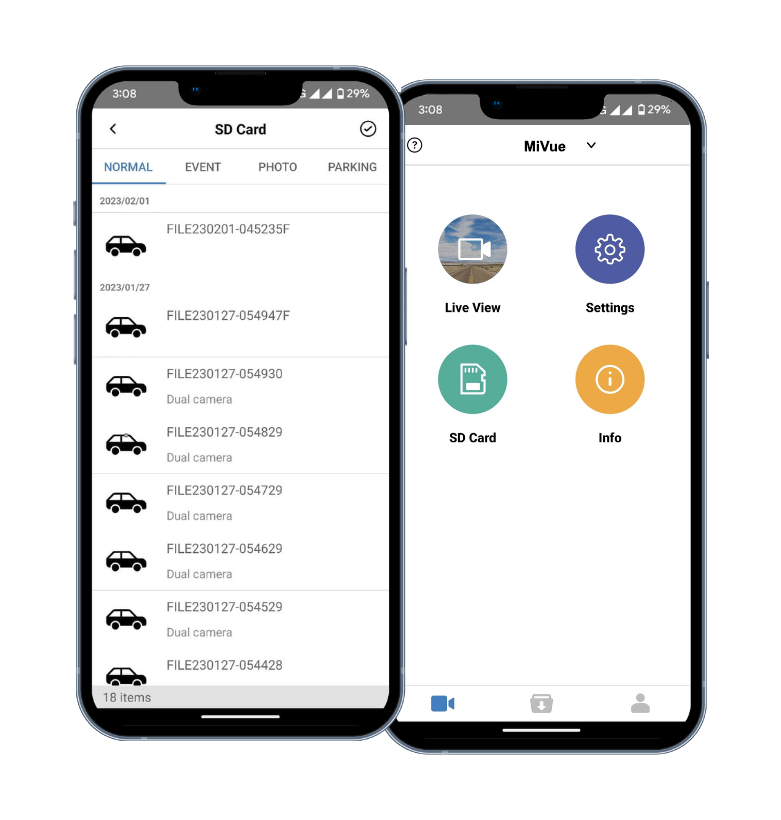
In an incident occurs, footage can be shared via Wi-Fi straight to your smartphone. With GPS-tagged video, you’ll know exactly where an accident happened, and the built-in 3-Axis G Sensor logs the direction and force of any impact for added clarity.
New Extended Recording Mode also cuts file sizes by 50%, so you can record and store twice as much footage to the SD card.
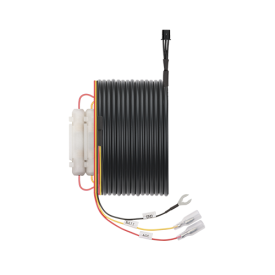
Compatible with new Integrated Smart Parking Mode (enabled with the purchase of Navman’s Smart Parking 12V hardwiring kit). The 12V Smart Parking Hardwiring Kit is a power cable accessory that enables Integrated Smart Parking Mode on compatible Navman Dash Cams. We recommend having the hardwiring kit installed by a qualified auto electrician. This accessory is not compatible for use in 24V vehicles.
WARNING: This product contains a button/coin battery and is hazardous. Keep batteries away from children.
CAUTION - KEEP DEVICE AND BATTERY OUT OF REACH OF CHILDREN This device contains a non-replaceable coin cell battery that is fixed internally. Do not attempt to disassemble, crush, puncture, or dispose the device in fire or water. Swallowing the battery may lead to serious injury or death in as little as two hours due to chemical burns and potential perforation of the oesophagus. If you suspect your child has swallowed or inserted a coin cell battery, immediately call the 24-hour Poisons Information Centre by dialing 131 126 for expert advice. For more information on how to recycle your old electronic devices and lithium batteries, please contact your local council office.
It’s important to format the micro SD card via your Dash Camera prior to first use or when a new card is inserted. For more information, click here.